FIND · COMPARE · CHECK

Wheebuy Spreadsheet: Bags

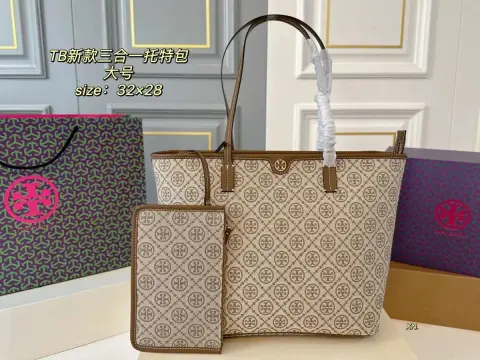
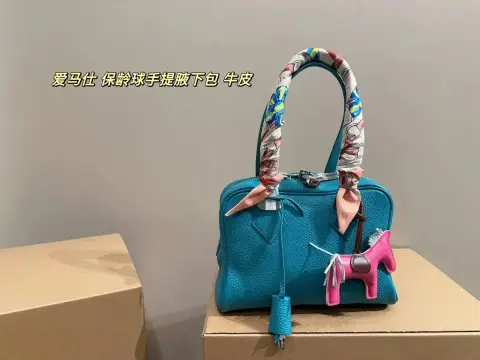
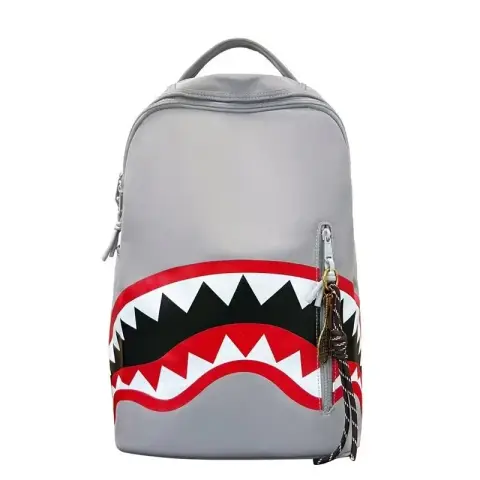
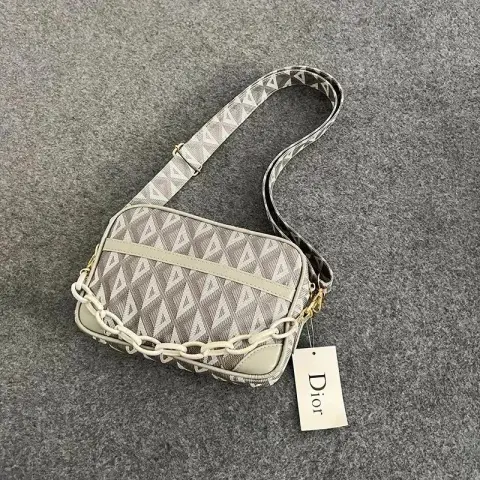
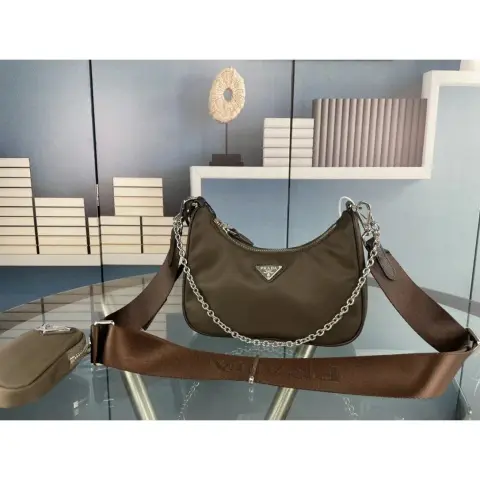
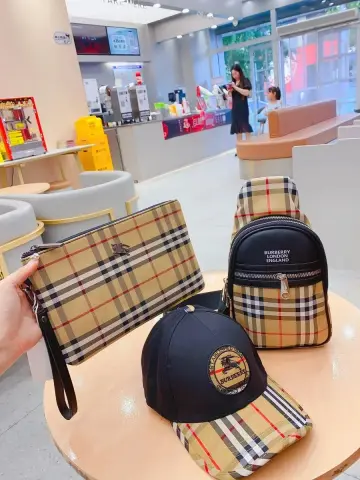
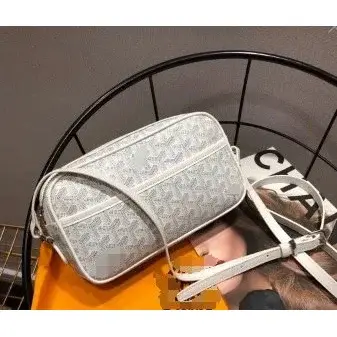
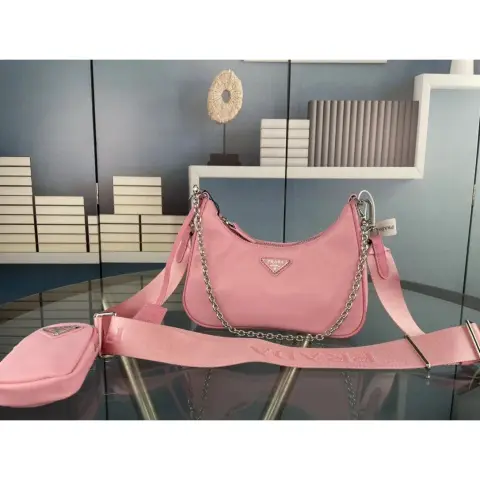
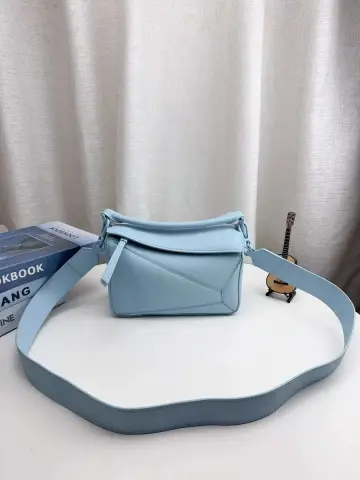
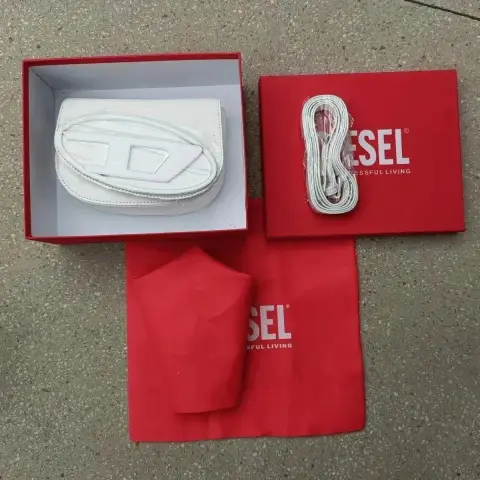
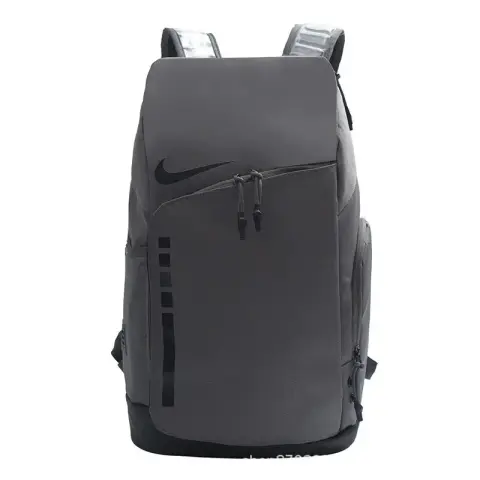
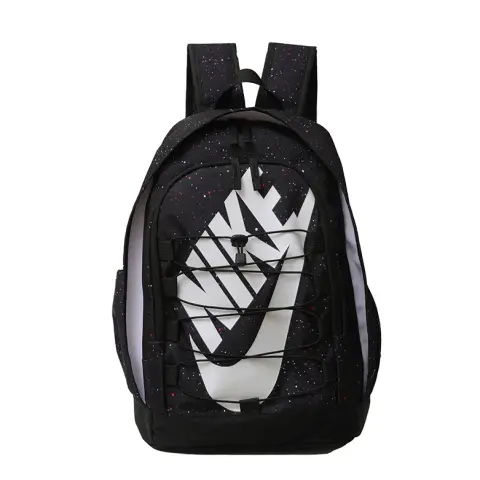
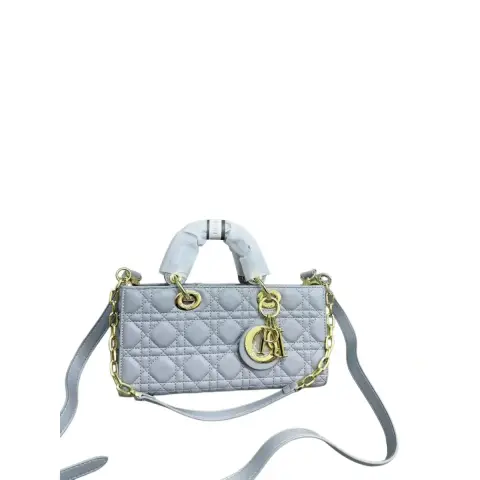
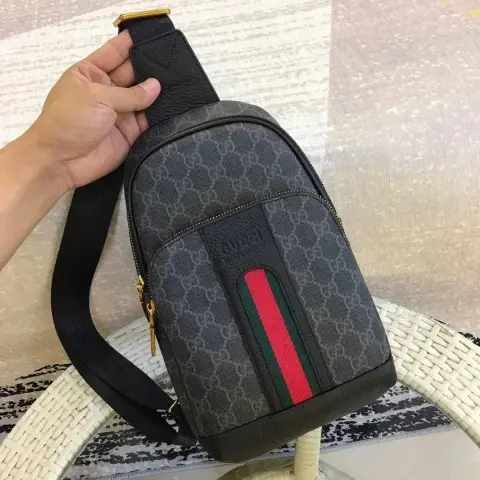
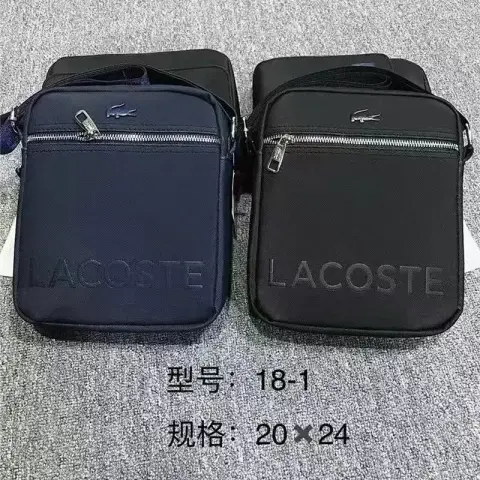
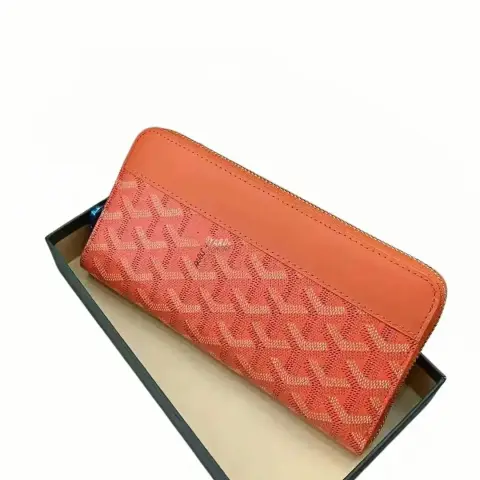
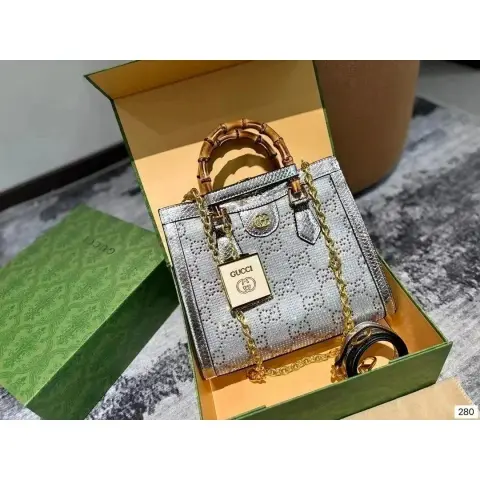
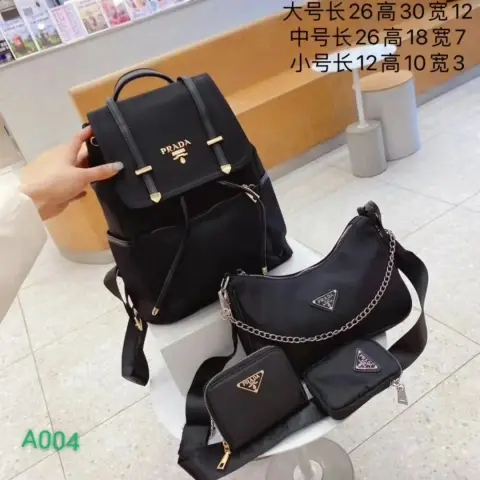
Browse bags and backpacks in the Wheebuy spreadsheet, with reference prices and available historical QC. Compare dimensions, straps, closures and interior details before continuing to order.

100selected products
1. Open a product2. Check its details & historical QC3. Confirm the option on the order page
Size & product advice
Check compartments and included parts Capacity, dimensions & laptop fit What to check before ordering
100 selected productsReference prices · Excludes shipping & fees
MAKE A MORE INFORMED CHOICE

Before you choose bags.

Will your belongings fit inside the usable compartments?

Ask for product and compartment dimensions, including the opening. Exterior size and shipping dimensions cannot establish laptop fit.

01

Check usable dimensions

Compare the stated dimensions with what you need to carry. Exterior size does not guarantee a laptop or other item fits inside.

02

Inspect stress points

Look at handles, strap attachment, seams and closures from several angles when references are available.

03

Confirm what is included

Check removable straps, small pouches and accessories against the exact option on the listing.

Explore the product types.

Use these spreadsheet links to explore a specific type. Check each listing’s selected option, reference price and available information before ordering.

Product typeWhat to compareExplore
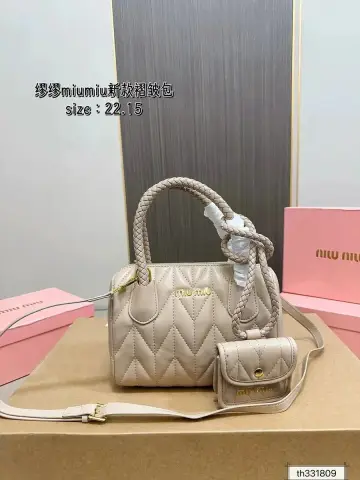
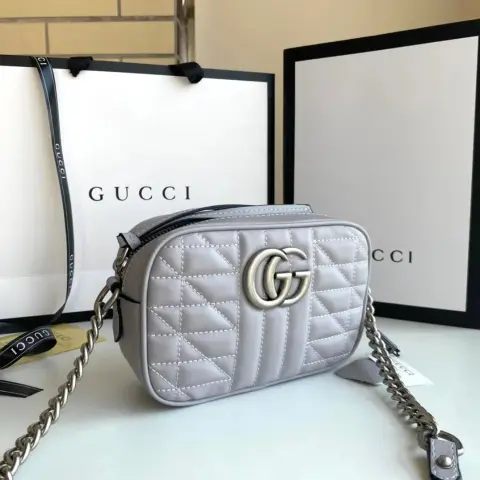
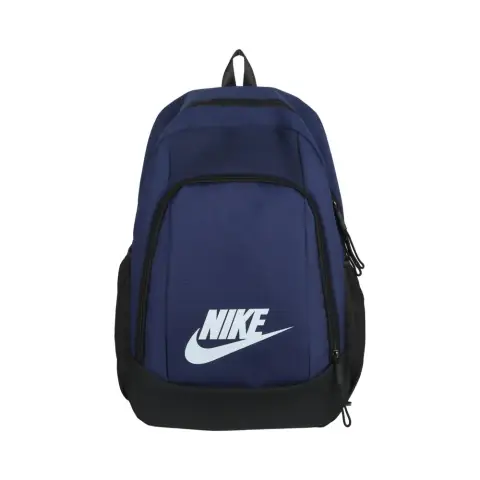
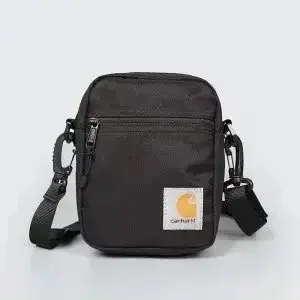
Bags & backpacksConfirm dimensions, strap length, closures, lining and included accessories.Browse Bags & backpacks spreadsheet

Check measurements in context.

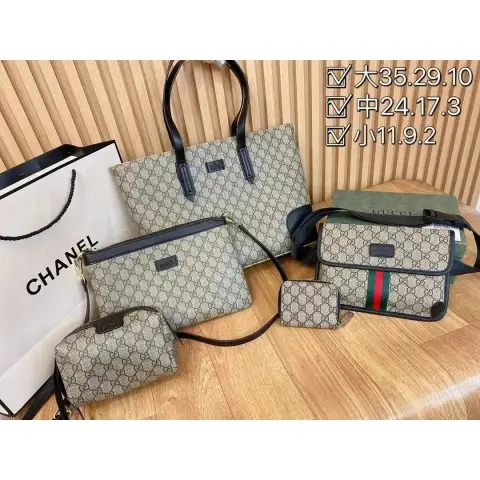
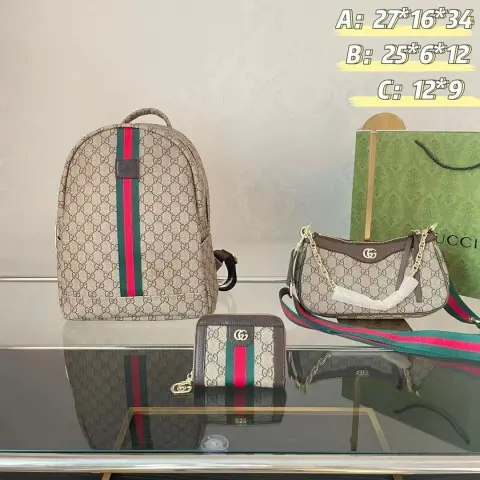
Compare product dimensions rather than parcel measurements. Confirm whether strap length is adjustable and whether dimensions include handles or external pockets.

Check compartments and included parts

Compare the full cost.

The displayed product price is a reference, with shipping and service fees excluded. Confirm the final price, selected option and availability on the order page. Historical QC can show another color or size.

Shipping & fees How to read QC photos
UNDERSTAND THE DETAILS

Useful reading for bags.

Use the guides for the checking process and these articles to understand the specifications.
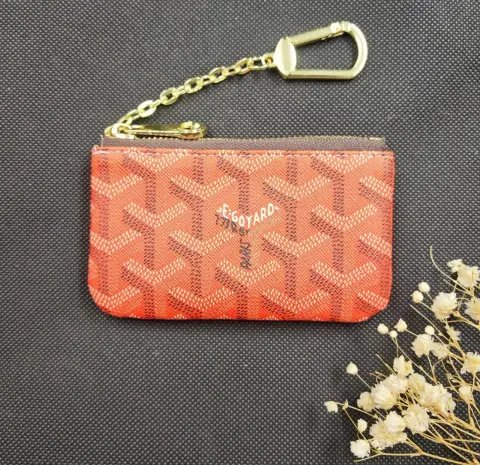
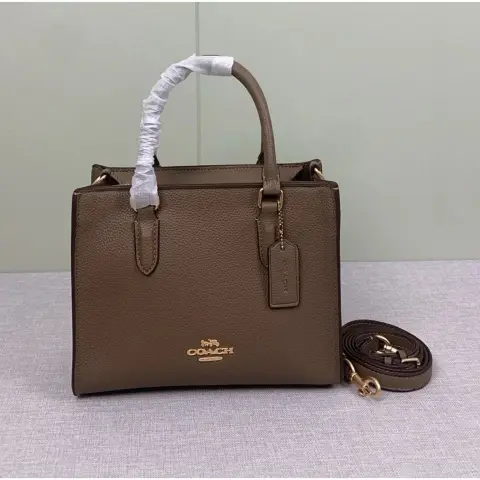
Capacity, dimensions & laptop fit
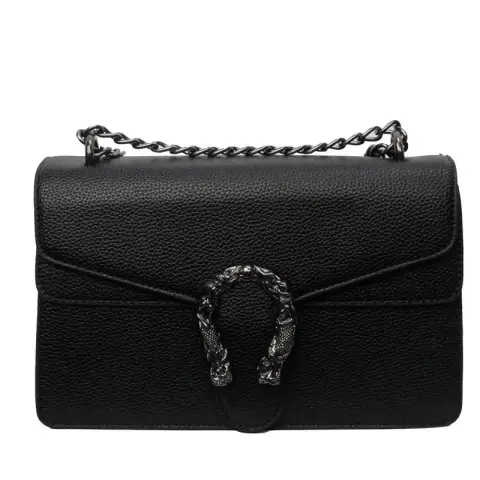
Questions about bags.

Can I infer a bag’s capacity from the photograph?

Use the listing’s dimensions and compartment information. Camera angle and styling can make scale difficult to judge.

Are all accessories in QC images included?

Not necessarily. Match the reference to the exact option and confirm the included items on the order page.

Found a style to investigate? Confirm the exact option, size and final cost before placing an order.

Browse Wheebuy bags spreadsheet